Every list of travel blog platforms you'll find is written by an affiliate marketer ranking whoever pays the highest commission — usually a hosting company. This one is written by someone with a different conflict of interest: I run TravelFeed, one of the platforms below. I can't claim neutrality, but I can put the bias on the table, quote real renewal prices instead of intro teasers, and tell you honestly which of these I'd pick in situations where the answer isn't us.
Prices below are July 2026, yearly billing unless noted. If you haven't decided whether a blog is even the right vessel yet, start with how to start a travel blog — this page assumes you're past that and choosing a home for it.

The short version
| Platform | Best for | From | Built for travel? |
|---|---|---|---|
| TravelFeed | Travel bloggers who want readers, not maintenance | $19/yr community · blogs $15/mo | Yes |
| WordPress.org | Tinkerers who want to own every layer | ~$48–190/yr hosting + extras | Via plugins |
| WordPress.com | A simple general blog without server duties | Free · ad-free from $4/mo | No |
| Squarespace | Design-first sites and portfolios | $16/mo | No |
| Wix | Drag-anything freedom | $17/mo | No |
| Ghost | Newsletter-blog hybrids with a business plan | $15/mo (self-hosting free) | No |
| Substack | Writers building an email list first | Free + 10% of paid subs | No |
| Medium | Essays dropped into a built-in feed | Free · $5/mo for a domain | No |
| Blogger | Zero-cost, zero-ambition blogs | Free | No |
| Travellerspoint | Old-school travel mapping community | Free | Yes |
The long version, with what each price tag actually buys:
1. TravelFeed — the biased entry, up front
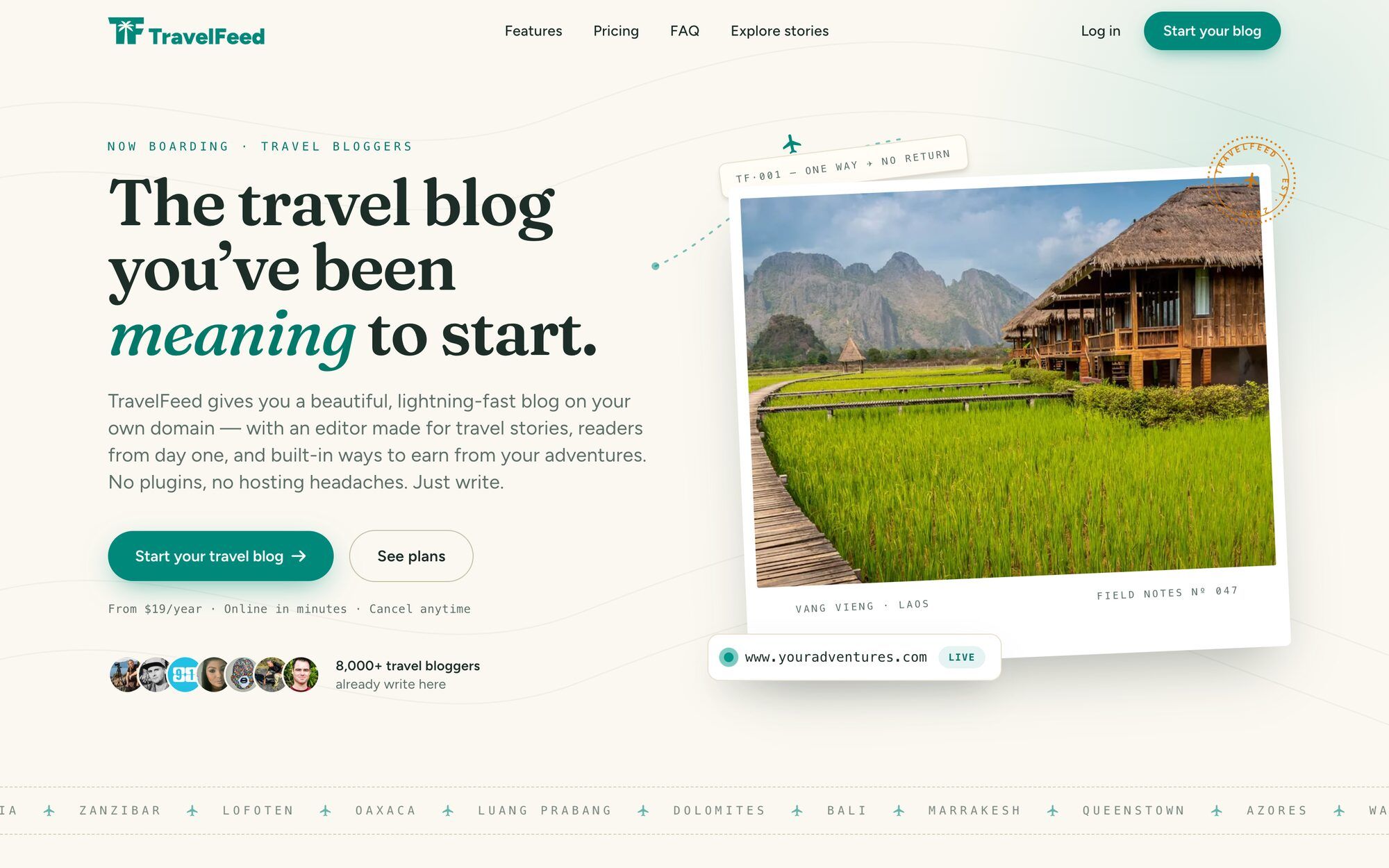
This is ours, so judge the framing accordingly. TravelFeed is the only platform on this list built specifically for travel blogs: posts geotag onto maps, photo galleries and itineraries are first-class citizens rather than plugin projects, and dropping a pin on a post is what builds your country, region and city pages, linked to each other, with no menus to groom. On every other platform here, that structure is manual category work for the life of the blog. Then there's the part no template can copy: you publish into an existing community of travel readers, with curation surfacing good writing from day one. Blogs run on our hosting with your own domain, and monetization is built in: you can earn on your very first post through community rewards, and we take no cut of your affiliate income.
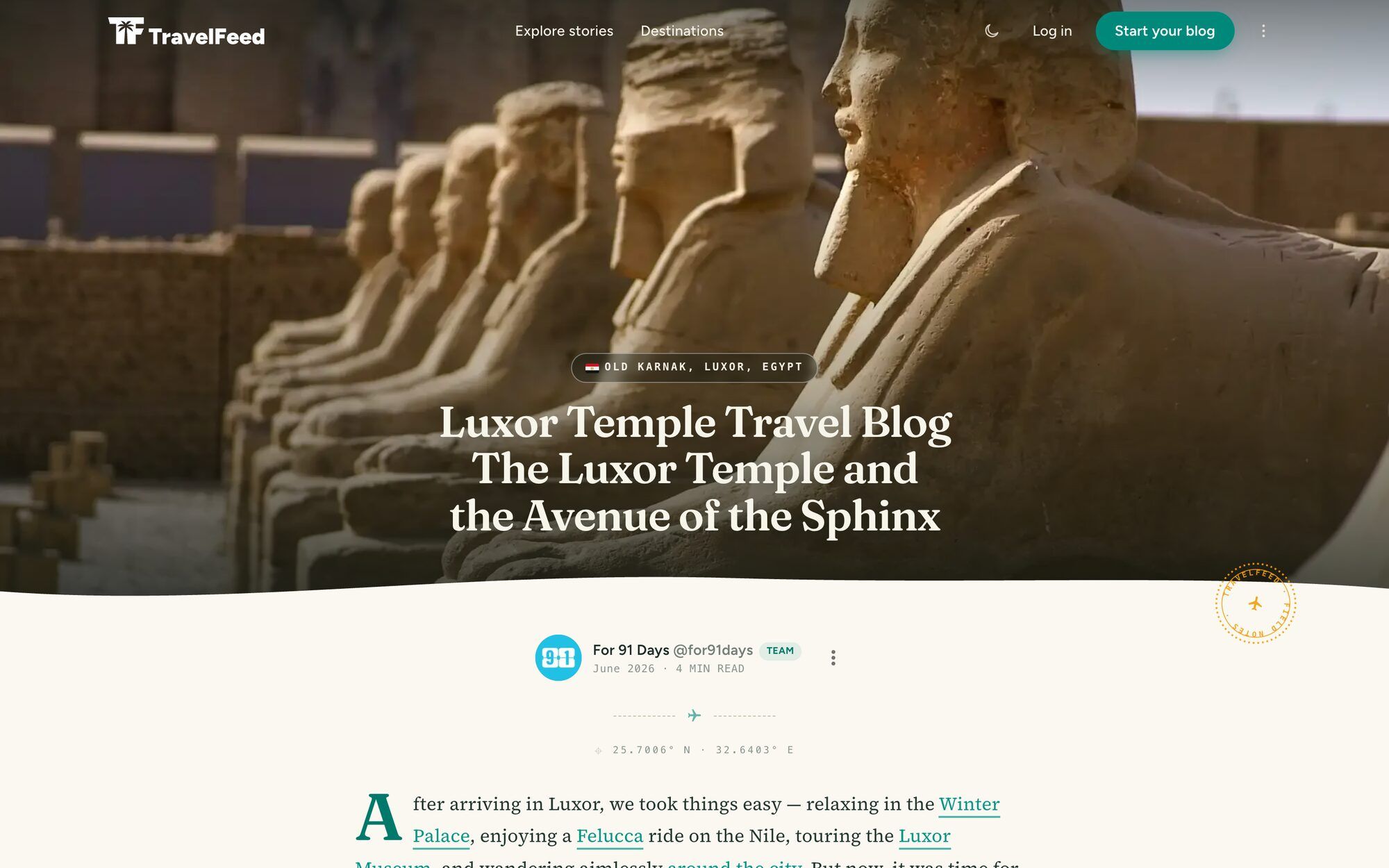
Where we're honestly the wrong choice: there's no free tier (community membership is $19/year; your own standalone blog starts at $15/month billed yearly), customization stays within our designs — if you want to edit templates or run custom code, WordPress is your answer — and if your blog is only partly about travel, a general-purpose platform will fit better. Here's what a real TravelFeed blog post looks like:
2. Self-hosted WordPress (WordPress.org)
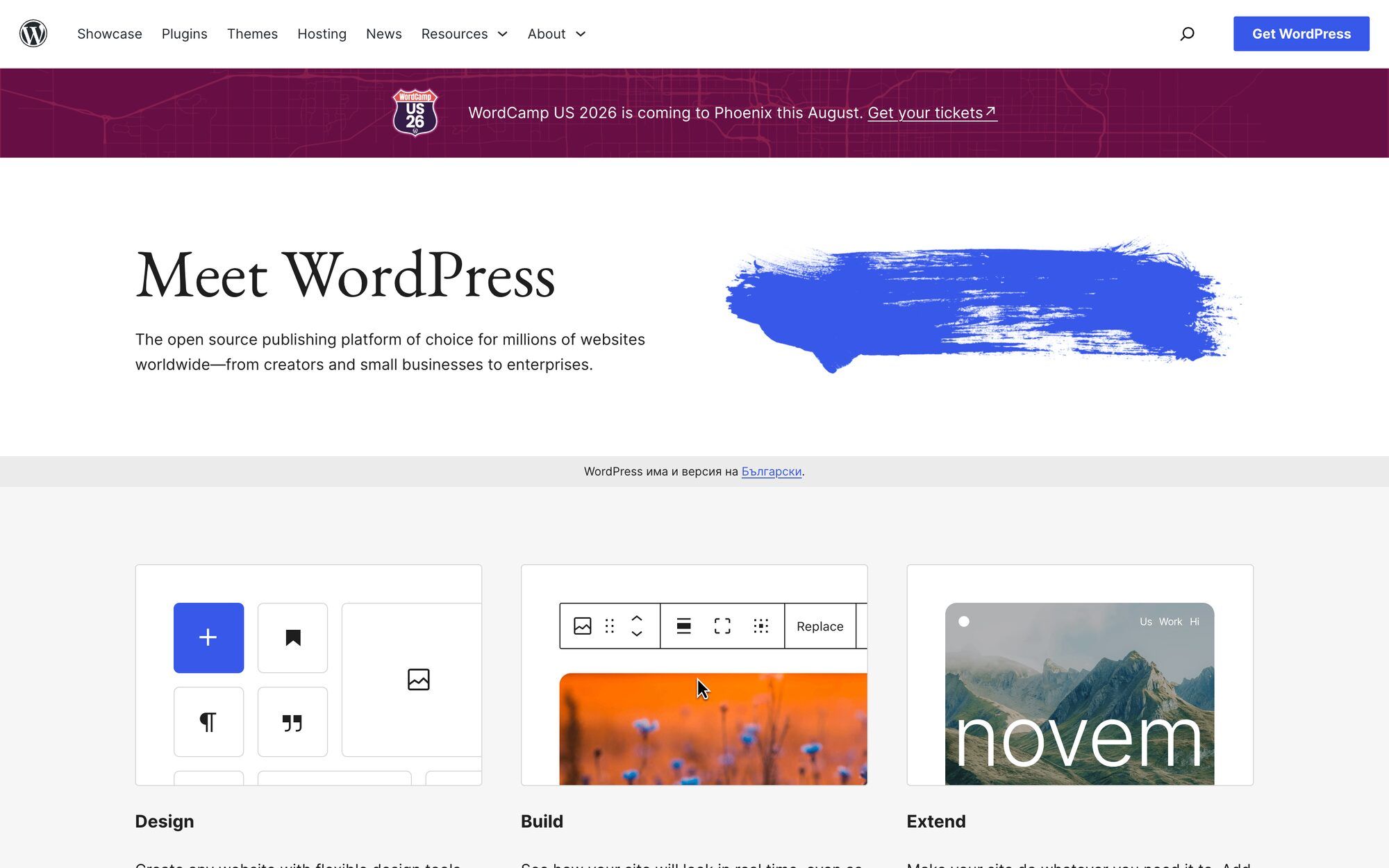
The software is free and genuinely excellent; what you're buying is hosting, and what you're signing up for is a job. With WordPress.org you own every layer — themes, plugins, database, ad placements — and you maintain every layer: updates, backups, security, speed. Travel features arrive via plugins you research, install and keep updated yourself.
About those famous $2.99/month prices: they're intro rates that typically require prepaying two to four years, and renewals land two to five times higher — SiteGround's entry plan, for example, runs about €36 the first year and about €192/year after. The price also isn't the worst part. That money buys shared hosting — your blog crammed onto a server with hundreds of other sites — and a photo-heavy travel blog on a crowded server is slow in the way that costs twice: readers give up on pages that crawl, and Google ranks slow sites lower, so the cheap plan quietly works against the search traffic you started the blog for. Budget a realistic $150–250/year long-term for hosting that actually performs, plus a theme and the occasional paid plugin. If reading that paragraph felt exciting, WordPress will make you happy. If it felt like fine print, that feeling is the answer — we wrote the full head-to-head in WordPress vs. TravelFeed.
One more thing worth knowing before you google "best WordPress hosting": Bluehost, HostGator, Domain.com and dozens of other familiar hosting brands are all owned by a single company, Newfold Digital — and Bluehost's own affiliate page advertises $65 per referred signup. That's not a claim about any host's quality; it's the reason the same few names top every "best hosting" list, and a reason to trust independent, long-term reviews with real measurements over commission-ranked recommendations when you pick yours. Online Media Masters' Bluehost review is the genre done properly — years of updates, load-time test screenshots, a renewal-rate table, and its own affiliate interests disclosed up front.
3. WordPress.com
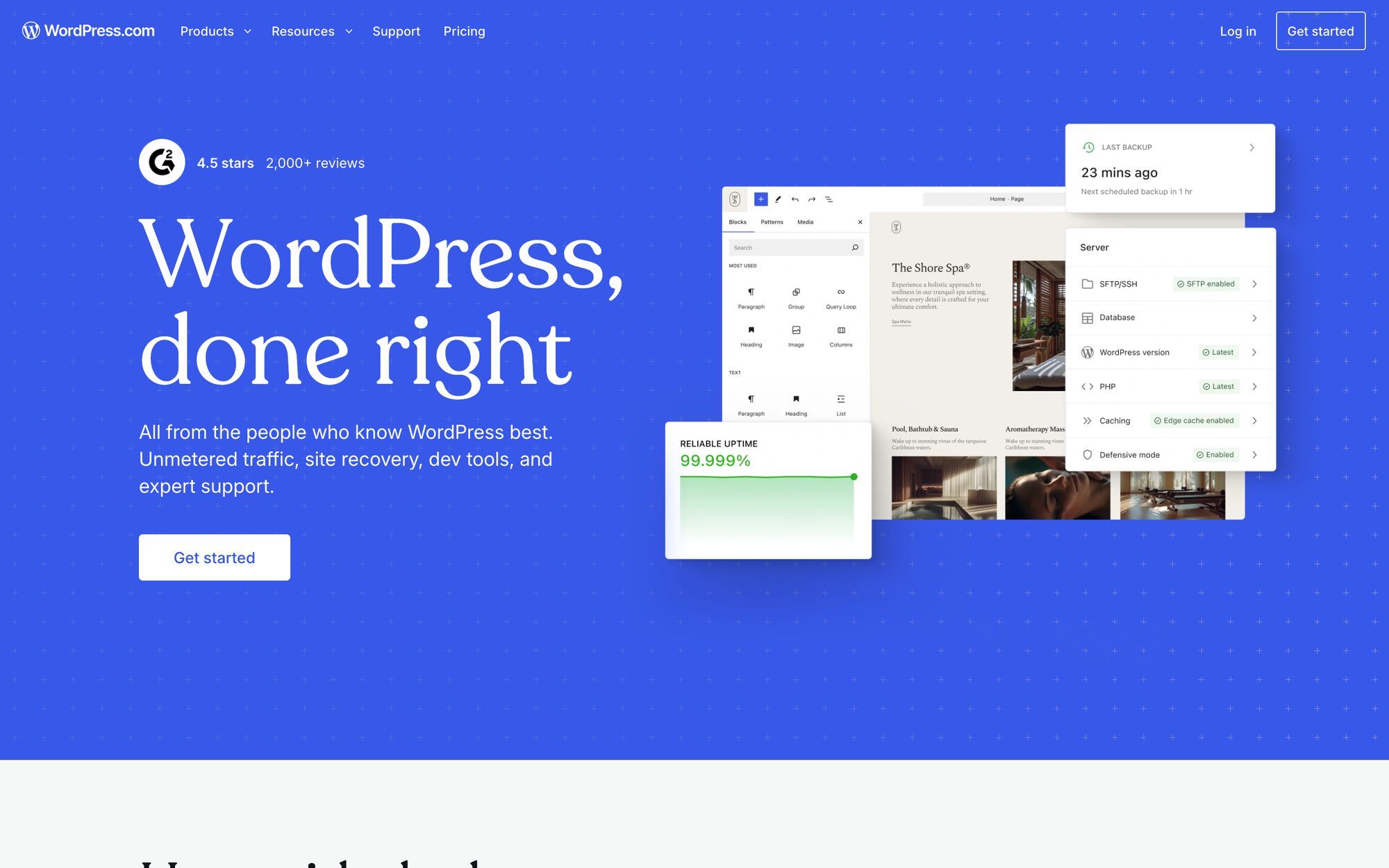
Same software, rented instead of self-managed — Automattic runs the servers. The free tier exists but shows WordPress.com's own ads on your posts and keeps you on a wordpress.com subdomain. Any paid plan removes the ads, and as of 2026 even the $4/month Personal plan can install plugins, which quietly removed the old reason to pay for Business.
The catch for travel bloggers is storage: cheap tiers include a few gigabytes, and travel blogs are photo libraries wearing a website costume. Between the storage math and the upgrade ladder, WordPress.com works best as what it's designed to be — a tidy, low-maintenance general blog — rather than a sprawling photo-heavy travel archive.
4. Squarespace
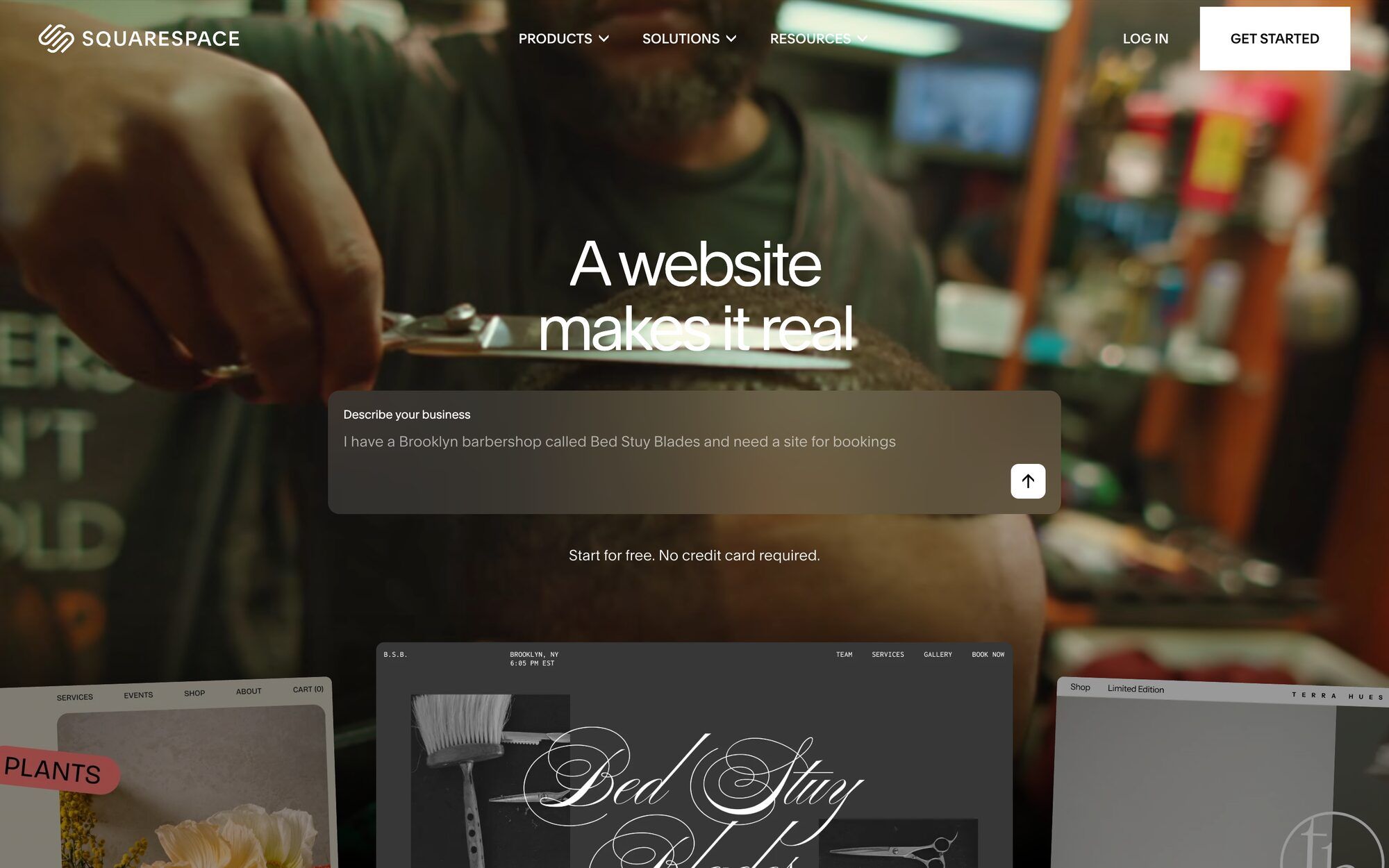
The prettiest templates in the business, and the blogging tools are competent. At $16/month (Basic, annual billing) you get a polished general-purpose site that will make your photography look expensive.
What you don't get is anything travel-shaped: no maps, no trip structure, no travel readership — every travel-specific feature is something you fake with galleries and category pages. Squarespace makes the most sense when the blog is the side dish: a photographer's portfolio, a guiding business, a site where "travel stories" is one menu item among several.
5. Wix

Wix's pitch is total freedom: drag anything anywhere, no grid to fight. For a travel blog that freedom cuts both ways — with no template discipline, three months of enthusiastic dragging can produce a site only its creator can navigate. The Light plan at $17/month (annual) removes Wix ads; note the advertised rate is first-year pricing and renewals climb.
Like Squarespace, it's a general-purpose builder: fine blogging tools, zero travel awareness. Choose it if you enjoy layout as a craft; skip it if you'd rather the layout be someone else's problem.
6. Ghost

Ghost is what WordPress might look like reinvented in this decade: fast, focused, open-source, built around memberships and newsletters. Ghost(Pro) hosting starts at $15/month (annual) — though the Starter tier locks you to one theme and no longer supports paid subscriptions; monetizing members starts at the $29/month Publisher tier. Self-hosting is free if you're comfortable running a server, which re-imports all the WordPress-style homework.
For travel blogging specifically, Ghost is a strong general engine with the same blind spot as the builders: no maps, no travel anything. It suits the travel writer whose real product is a subscription newsletter with a website attached.
7. Substack
Free to use with unlimited subscribers; Substack earns by taking 10% of paid subscriptions (plus Stripe fees), and a custom domain costs a one-time $50. The writing experience is friction-free and the email-first model means your audience is a list you actually own — genuinely the best argument for it.
The website Substack gives you is serviceable but secondary, and photo-heavy storytelling suffers in an inbox: email clients clip long image-rich posts, and there's no map, gallery or archive structure designed for someone browsing your travels three years later. Great as the newsletter arm of a travel blog; thin as the blog itself.
8. Medium

Medium hands you a beautiful editor and a built-in feed of readers, and in exchange the platform owns the relationship: discovery lives and dies by Medium's algorithm, custom domains require a $5/month membership, and you can't run your own analytics or ads. The Partner Program pays per member engagement — after six published stories, three months on the platform and residence in an eligible country — amounts most writers describe as coffee money.
Write on Medium the way you'd write for someone else's magazine: syndicate essays there to be discovered, keep the archive on a domain you own.
9. Blogger

Google's Blogger is completely free, supports custom domains, and hasn't seen a major product update since 2020 — the modern web has essentially agreed to let it retire in place. That's not entirely a dismissal: if you want a zero-cost, zero-ambition blog for family, Blogger will host it reliably and never send an invoice.
Just don't build a future on it. The templates read as vintage, the ecosystem is frozen, and Google's record with sunsetting quiet products speaks for itself. Free with more life in it: WordPress.com's free tier, or Substack if your blog can be a newsletter.
10. Travellerspoint
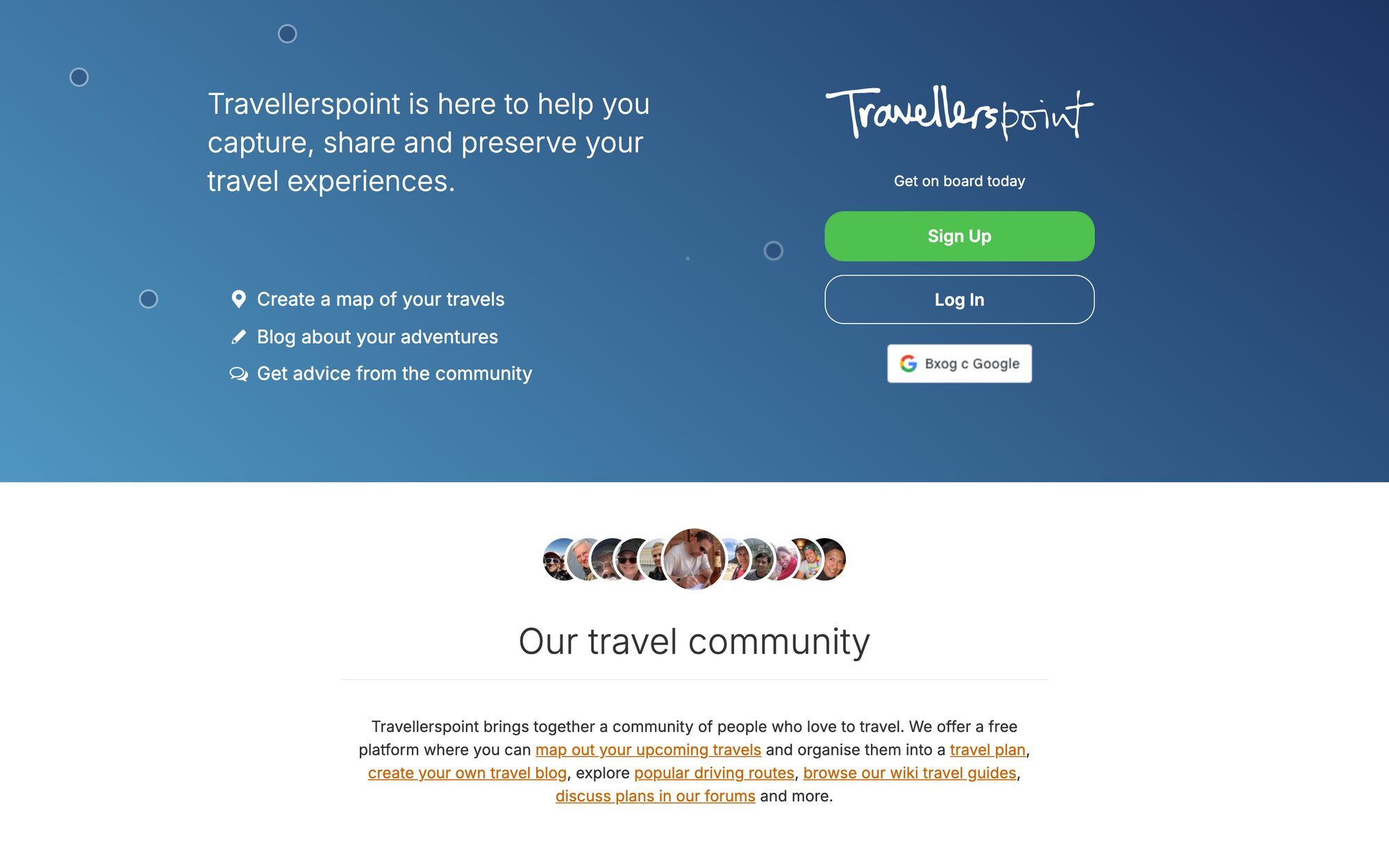
The other genuinely travel-specific entry: Travellerspoint has offered free travel blogs with trip maps and an earnest forum community since the 2000s, and it's still ticking along. If you value old-internet community over polish, there's real charm here.
The honest caveats: the interface shows its age, you publish on a travellerspoint.com subdomain, and active development appears minimal. It's the nostalgic pick — lovely for trip diaries among fellow members, limiting for anyone building a blog with its own address and audience.
What about Polarsteps and the tracking apps?
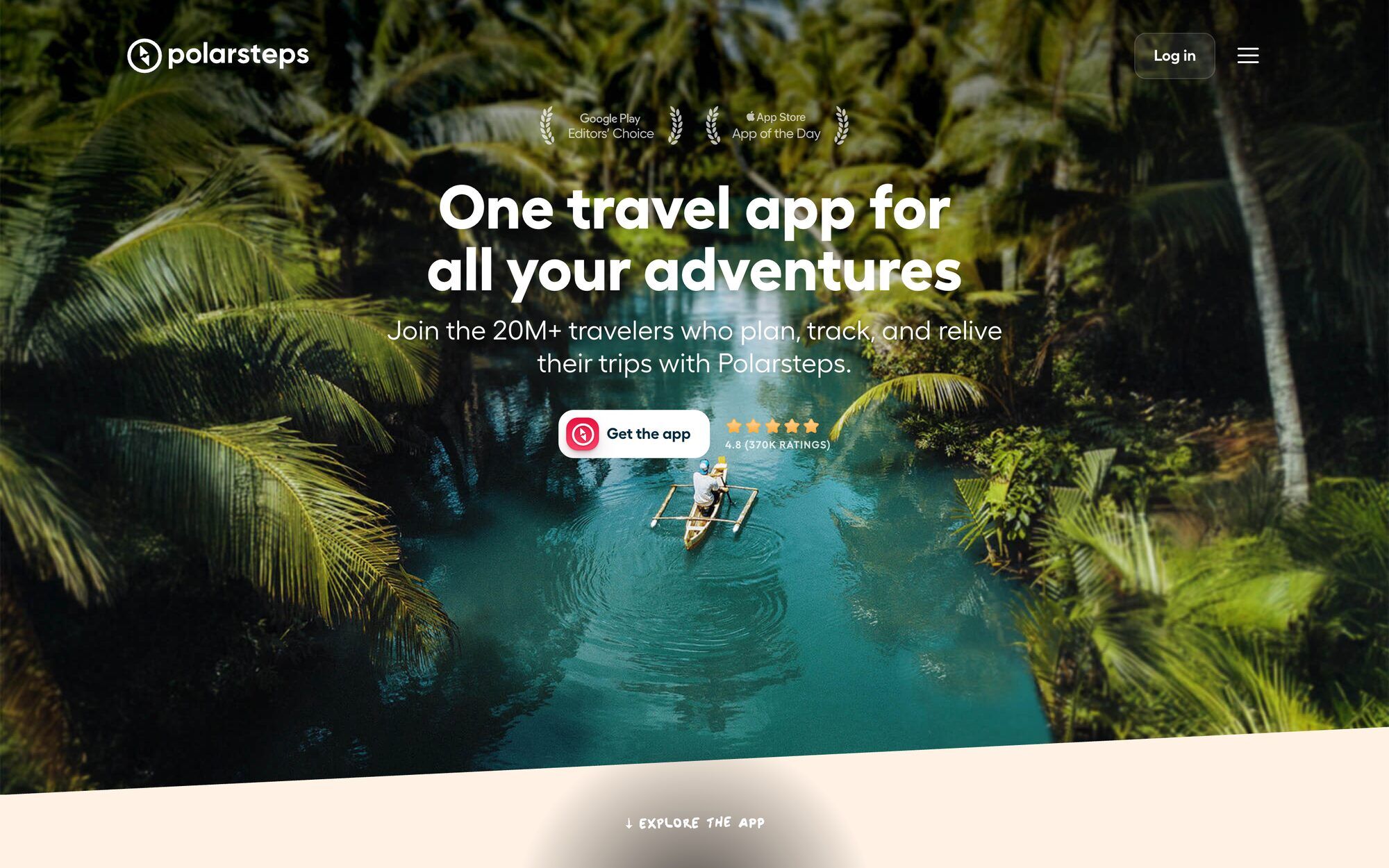
Half the people comparing travel blog platforms are actually deciding between a blog and a tracker, so let's name it: Polarsteps is a wonderful product and not a blogging platform. It records your route automatically, your steps become a shareable map, and the printed Travel Books are a genuinely nice artifact. But there's no domain of yours, no meaningful Google presence, no earning, and the archive lives inside an app on the app's terms. We wrote the full head-to-head — including what Polarsteps does better — in Polarsteps alternative: a travel journal that's a real website.
How to choose in five minutes
- You want to write about travel and be read, without becoming a sysadmin: TravelFeed (our bias, disclosed all the way down) — or Ghost if your model is a paid newsletter.
- You want full control and enjoy tinkering: self-hosted WordPress, with honest renewal math and a weekend of setup.
- The blog is a side dish to a portfolio or business: Squarespace, or Wix if you want looser layout control.
- Budget is exactly zero: WordPress.com free or Blogger to test yourself, Substack if it's a newsletter — then buy a domain the moment you're sure you'll keep going. (If the budget stretches to $19 a year, our Starter membership is the barely-above-zero option with actual readers included.)
- You mostly want family to follow the trip: a tracker like Polarsteps honestly covers it — or a simple blog if you want it to outlive the app; here's the friends-and-family version of this decision.
Still unnamed, whatever you choose? Our travel blog name generator checks the domain and username in one click. And if you'd rather judge platforms by what people actually build on them, browse four real travel blog examples before you commit. For the year-one and year-three math on every route above, what a travel blog really costs prices it line by line. If the travel-specific option won the comparison for you, membership starts at $19/year.
Frequently asked questions
What is the best free travel blog platform?
For a blog that costs nothing forever, Blogger and WordPress.com's free tier are the realistic options — both put you on their subdomain, and WordPress.com shows its own ads on free sites. Substack is free if your travel blog is really a newsletter, and Travellerspoint still offers free travel blogs with trip maps. Before defaulting to free, weigh hours against dollars: a year of blogging costs far more in time than in money, and the free route spends that time on an address you'll abandon. TravelFeed's Starter membership is $19 a year — barely above zero — and publishes your test posts in front of a real travel community.
Which travel blog platform is best for beginners?
One where setup is not the hobby. Website builders like Squarespace and Wix get you a clean general-purpose site in an afternoon, and hosted platforms take even the template work away. TravelFeed is the travel-specific option here — maps, trip-friendly posts and an existing community of travel readers, with no maintenance (we build it, so weigh our bias). Self-hosted WordPress is the wrong first platform unless tinkering with servers and plugins sounds like fun rather than homework.
Can I use Polarsteps as a travel blog?
Not really — and it doesn't claim to be one. Polarsteps is a trip tracker: it records your route automatically and turns it into a beautiful map with photo stops, which is exactly right for sharing a trip with people you know. But there's no custom domain, no long-form archive designed for readers who don't know you, and no way to earn; its terms treat use as personal and non-commercial. If you want your travels to live at your own address and be found on Google, you want a blog — possibly alongside Polarsteps, not instead of it.
Which platform is best for making money with a travel blog?
The honest answer: the platform matters less than traffic, and most travel blogs never earn much either way. Self-hosted WordPress gives maximum monetization flexibility (any ad network, any affiliate setup) in exchange for maximum maintenance. Ghost and Substack are built for paid subscriptions, which suit newsletters better than destination guides. TravelFeed pays from the first post through built-in rewards and takes no cut of your affiliate income. Whatever you pick, expect monetization to follow traffic by months or years, not weeks.