Comparisons like this one are usually written by whoever earns a commission on the answer — most "WordPress vs." articles exist to sell you hosting. This one has a different conflict of interest, so let me put it on the table: I'm the founder of TravelFeed, one of the two platforms being compared. What I can offer instead of neutrality is the material vendor comparisons tend to leave out — real renewal prices instead of intro teasers, a serious list of situations where WordPress is the right answer, and our own limitations stated plainly. If you finish this page knowing which platform fits you, it did its job, even if the answer is WordPress.
Prices below are July 2026, yearly billing unless noted. This page compares exactly two platforms; if your shortlist is longer, the wider field is covered in the 10 best travel blog platforms, and if you're still deciding whether a blog is the right project at all, start with how to start a travel blog.
WordPress vs. TravelFeed at a glance
| TravelFeed | Self-hosted WordPress | |
|---|---|---|
| Realistic cost | $19/yr community membership · own blog from $15/mo | Software free; realistic hosting $150–250/yr plus theme and plugins |
| Setup | Minutes — hosting, SSL, CDN and design included | Hosting, domain, theme and plugins, assembled and configured by you |
| SEO basics | Built in: canonicals, sitemaps, Open Graph, RSS | Via plugins (Yoast and friends), caching and hosting choices |
| Speed | Static pages on a CDN by default | Depends on hosting quality and plugin discipline |
| Security & maintenance | Handled by us: updates, backups, security | Your job: core, theme and plugin updates, backups, hardening |
| Travel features (maps, itineraries) | Native | Third-party plugins |
| Destination pages | Generated from your posts' locations, cross-linked | Categories and menus you maintain by hand |
| Your photos if a server dies | Archived permanently by us; old posts keep working | They live on that server, and go with it |
| Built-in readership | Yes — publish into a travel community | No — you bring every reader |
| Custom code & plugins | No — customization stays within our designs | Yes — the entire point of WordPress |
| E-commerce | No | Yes (WooCommerce) |
| AI writing | AI Blogger included — writes from your photos and your answers, not from thin air | Third-party subscriptions |
The rest of this page is the reasoning behind those rows, in the order most people ask about them.
Who is each platform for?
WordPress started as a blogging tool in the early 2000s and grew into a general-purpose CMS that can power almost anything: blogs, landing pages, online stores, membership sites, entire businesses. That range is both the pitch and the price. Nothing travel-specific exists until you add it — post maps, itineraries and galleries are plugins you research, install and keep updated — and every layer of the stack is assembled and maintained by you. For some people that is the fun part. WordPress rewards tinkerers with control no hosted platform can match, and its ecosystem is so large that any feature you can describe either already exists as a plugin or can be built by one of the thousands of WordPress developers for hire.
The day-to-day reality of that ecosystem deserves a mention, because it's where new WordPress owners lose the most time. Themes and plugins are written by different authors on independent schedules: an update to one can conflict with another, an abandoned plugin eventually breaks with a newer WordPress version, and the debugging falls to you. A poorly chosen theme can quietly wreck the mobile experience that half your readers see. None of this is unmanageable — but it is a skill you will acquire whether you wanted it or not.
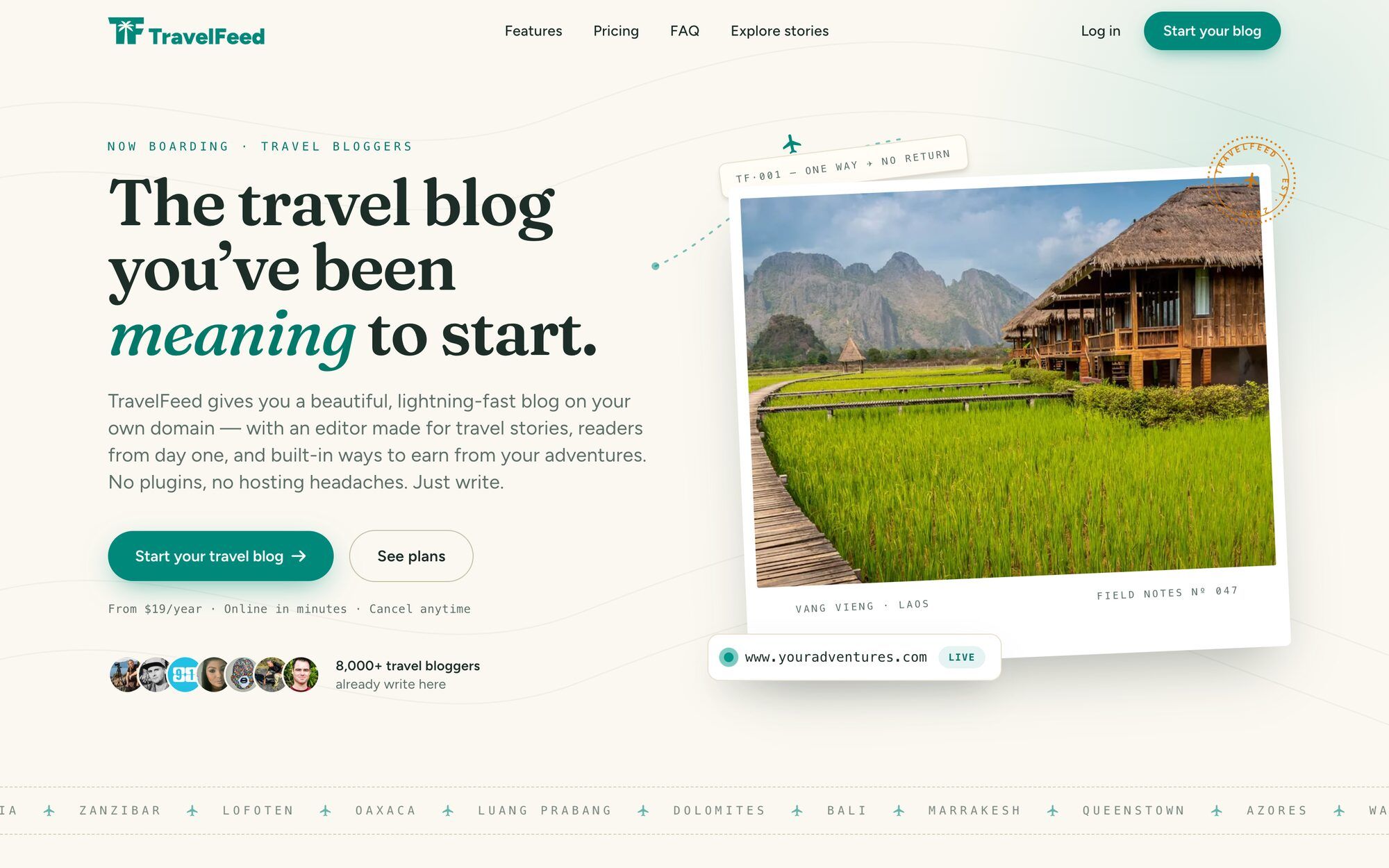
TravelFeed is the opposite trade. It's a hosted platform built only for travel blogs: interactive post maps, photo galleries and trip-shaped posts are native, the design work is done, and you publish into an existing community of travel readers rather than onto an empty site. Creating an account takes about two minutes, and because every feature is built by one team for one product, nothing on your blog can conflict with anything else — there is no plugin-versus-theme debugging, ever. The honest cost of that simplicity: customization stays within our designs. There are no custom plugins and no template editing — if you want to open the hood, WordPress is your platform, full stop.
The hidden costs of WordPress (and what TravelFeed actually costs)
The WordPress software is free. Running it is not, and the pricing around it is built to be misread. The famous $2.99-a-month hosting offers are intro rates that typically require prepaying two to four years upfront, and renewals land at two to five times the advertised price — SiteGround's entry plan, to take one concrete example, runs about €36 in the first year and about €192 a year after that. A realistic long-term budget for decent WordPress hosting is $150–250 per year, plus a theme and the occasional paid plugin. (If you want WordPress without the server duties, WordPress.com's hosted plans are a different product with different trade-offs — as of 2026 even its $4/month Personal plan can install plugins.)
WordPress hosting also comes in two flavors, and the cheap one is where the intro-rate game gets played. Shared hosting puts your blog on a server alongside many other sites: fine while nobody visits, increasingly shaky as traffic grows, and often sold with one- to three-year prepaid commitments — so by the time you notice the slowdowns, next year is already paid for. Managed WordPress hosting buys real speed and reliability at a meaningfully higher price. Most WordPress budgets drift upward along exactly this path: start shared, get frustrated, abandon the prepaid plan, pay for managed.
It's also worth knowing how WordPress hosting gets recommended. Bluehost, HostGator, Domain.com and dozens of other familiar hosting brands are owned by a single company, Newfold Digital, and Bluehost's own affiliate page advertises $65 per referred signup. That is a fact about incentives, not a claim about any host's quality — but it explains why the same few names top every "best WordPress hosting" list, and it's a good reason to weigh independent benchmarks over commission-ranked recommendations when you choose yours.
TravelFeed's pricing is designed to be quoted in one paragraph. Community membership costs $19 per year: you publish on TravelFeed.com, get a verified badge, 50,000 AI credits a month, an ad-free experience, and optional cross-posting to the Hive blockchain. Your own standalone blog on your own domain starts at $15/month billed yearly ($19 billed monthly) on the Basic plan; Pro at $25/month (yearly) adds an interactive world map, a destinations widget, dark mode, search and analytics; VIP at $45/month adds API access and dedicated support. Every hosting plan includes SSL, a CDN and automatic image optimization — items that on WordPress tend to arrive as separate line items or plugin subscriptions. Monthly billing is available throughout, there's no long-term lock-in, and there is also no free tier.
Run the numbers honestly and a TravelFeed blog ($180 a year on Basic) costs about the same as realistically-hosted WordPress ($150–250 a year before theme and plugins). The difference isn't the invoice. It's that one of those numbers comes with a part-time job attached.
Speed: a modern static stack vs. twenty-year-old PHP
A slow blog loses readers and rankings, so this section matters more than its length suggests. WordPress builds pages with PHP and a MySQL database on an architecture that dates back two decades. It can absolutely be made fast — good managed hosting, a caching plugin, a lean theme and restraint with plugins will get you there — but every item in that sentence is work, and most of it is recurring. Speed on WordPress is a project you own: each new plugin is a potential tax on it, and cheap shared hosting struggles the moment real traffic arrives.
TravelFeed pages are statically generated and served from a CDN, with images optimized automatically — the architecture modern publishing platforms use, and the reason we don't have a caching-plugin aisle. I'm deliberately not quoting benchmark multipliers here, because a well-tuned WordPress site on quality hosting is genuinely fast. The difference is that on TravelFeed, fast is the default rather than an achievement, and nobody has to maintain it.
SEO built in, not bolted on
Start with the honest part: platforms don't rank, content does. Plenty of the travel blogs outranking everyone on Google are WordPress sites, because their owners did the work. What a platform controls is the baseline you start from.
WordPress out of the box ships very little SEO scaffolding. The standard fix is an SEO plugin — Yoast and its competitors — plus caching for speed, plus hosting good enough that crawlers aren't kept waiting. Configured well, it works. Configured half-heartedly, it quietly costs rankings, and "configured half-heartedly" describes a lot of first blogs.
TravelFeed ships the baseline as defaults: canonical tags, XML sitemaps, Open Graph tags, an RSS feed and optimized URLs are generated automatically for your blog, with nothing to install or configure — and the static-page speed from the previous section is itself a ranking input. The trade, as everywhere on this page: WordPress offers more fine-grained control once you've built the setup; TravelFeed offers the correct defaults without the setup.
Your destinations organize themselves
This is the difference that never fits in a feature table, because it isn't really a feature. It's what happens while you write.
Every travel blog eventually needs the same structure: a page for Japan, a page for Kansai, a page for Kyoto, each listing the right posts, each linked to the others and to the posts themselves. That structure is how readers browse a travel blog, and a good part of how one ranks. Internal links and topical grouping are what tell Google that your Kyoto post belongs to a body of work about Japan instead of sitting on its own.
On WordPress, you build it. Categories, tags, menus, a "Destinations" page, and the discipline to update all four every time you publish. It works, and plenty of excellent travel blogs run exactly that way. But it's manual work that compounds with every post, and it's the first thing to get skipped when you're publishing from a night bus.
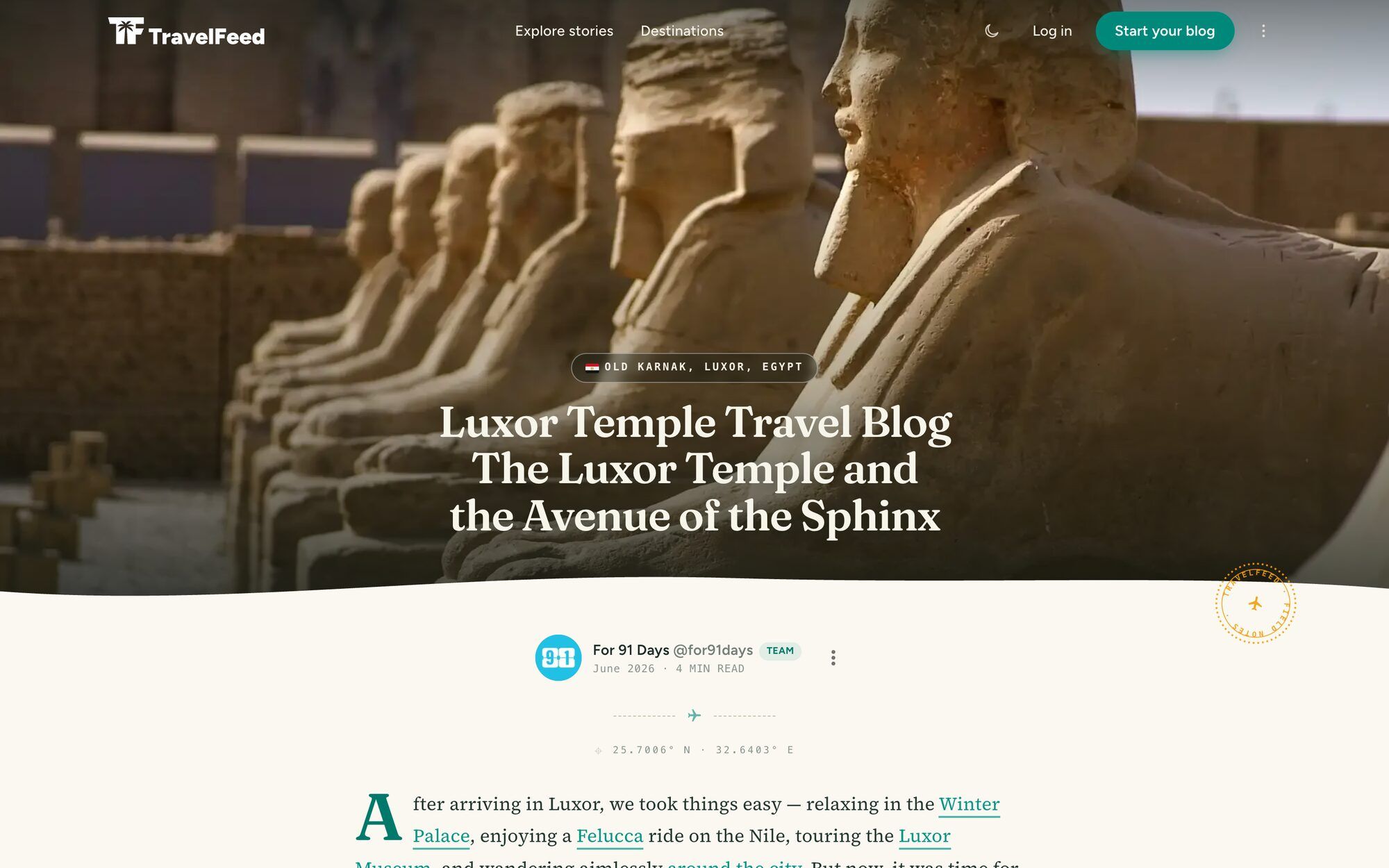
On TravelFeed, you drop a pin on the post. The country, region and city pages appear, the post shows up on each of them, breadcrumbs and internal links get generated, and the archive by date is built the same way. Nobody maintains a menu. On Pro plans, those same pins become a browsable world map of everywhere you've been.
The smaller things work like that too. Share cards, including the vertical pin Pinterest prefers, are generated per post rather than designed. Photos are resized, converted and served from a CDN with no caching or image plugin involved. None of this is impossible on WordPress. All of it is something you would otherwise assemble, and then own.
Security and maintenance: whose job is it?
Self-hosted WordPress makes you the webmaster. Core updates, theme updates, plugin updates — vulnerabilities typically arrive through the plugin and theme layer, which is why skipping updates is never a neutral choice. Backups are also yours to arrange, and the failure mode is brutal: a database problem or a hacked site with no recent backup can erase years of writing in an afternoon. None of this is exotic — millions of WordPress sites run safely — but it is recurring, unglamorous work, and it never stops being your job.
On TravelFeed, maintenance is the product. We run the updates, the security and the automated backups, and there's an unusual extra layer on top: optional cross-posting to the Hive blockchain writes a copy of your post to a public ledger outside our infrastructure. Treat it as belt and braces — an off-platform backup of your writing that exists independently of us.
Your photos get their own version of this. Every image in a published post is copied into our permanent archive, whatever server it originally came from, and we serve that copy from then on. The practical effect for someone arriving from WordPress: publish your imported posts, then cancel the old hosting, and the photos in those posts keep loading from an address that no longer exists. There's no WordPress plugin for that, because a plugin can't outlive the server it runs on.
Community: readers from day one
The hardest part of a new travel blog isn't the software — it's the silence. A fresh WordPress site starts with zero readers and no built-in way to find them; "social integration" means share buttons and hope. TravelFeed began as a travel-writing community before it became a blogging platform, and it kept that DNA: publishing on your TravelFeed blog also puts your post in front of the platform's community of travel readers, and our curation team features the best writing it finds. Engagement on your first post is normal here, not a milestone.
Switching to TravelFeed was the best decision I made for my travel blog. My WordPress blog became unusably slow. On TravelFeed, the community is vibrant, and my posts get so much more engagement!
— Travel Blogger @wanderein, wanderein.com
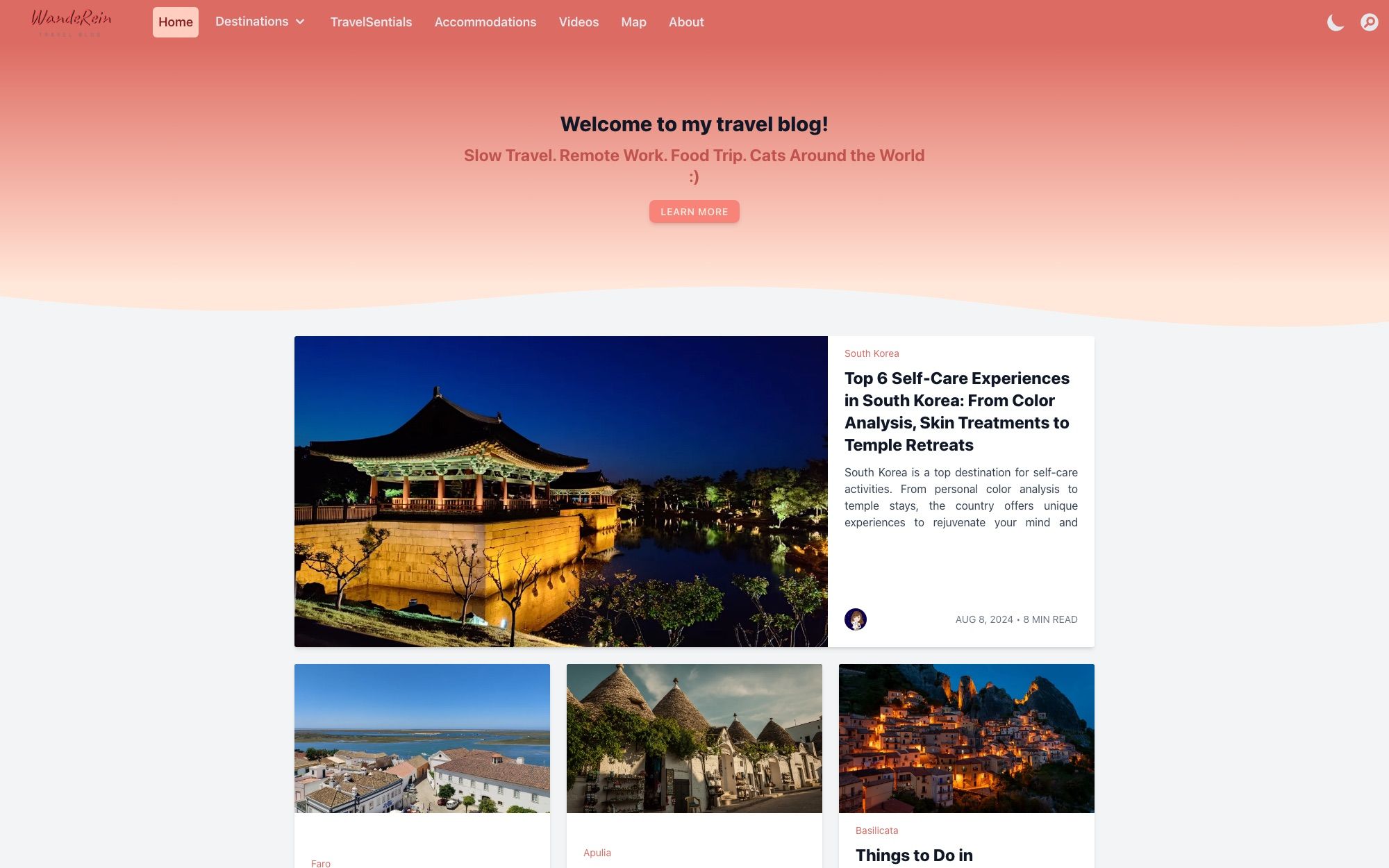
Her blog is one of four real member blogs we've profiled, each with the lesson worth stealing from it.
Monetization: flexibility vs. a head start
WordPress wins on ceiling, and I won't pretend otherwise. You can run any ad network, join any affiliate program, sell products with WooCommerce, and take sponsorships on your own terms — no hosted platform matches that flexibility. The catch is the floor: every one of those channels pays in proportion to traffic, which means a new WordPress blog earns nothing for months or years while the audience builds.
TravelFeed changes the floor rather than the ceiling. Optional Hive cross-posting means community rewards from your very first post — modest amounts at first, but real, and arriving at exactly the stage when every other channel pays zero. Affiliate marketing works the same on both platforms, and we take no cut of your affiliate income. The honest summary: monetization follows traffic wherever you publish; TravelFeed just pays something while you get there. The realistic numbers for every channel are in how to make money with a travel blog.
AI writing tools
Every platform claims AI features in 2026, so here is the concrete version. On WordPress, AI writing means a third-party subscription: another account, another monthly fee, and a generic tool that will happily invent a hotel in a city it has never seen. TravelFeed's AI Blogger works the other way around. It starts from your own photos, reads the times and places off them, then interviews you about what those photos can't show. Without both, it refuses to write at all. The same credits also run the AI inside the editor, which is the part you'll use daily: tighten a paragraph, turn your notes into prose, describe a photo for Google Images. Every plan includes monthly credits — the $19/year Starter membership's 50,000 covers around seventy of those edits, while a whole article, at roughly 150,000, is what the Pro and VIP allowances and the one-off credit packs are for. If you want a machine to produce posts about places you never went, this is the wrong platform; if you want your own trips written up properly, one platform includes that and the other sends you shopping.
tl;dr
Compressed to its core, this comparison isn't close in either direction — because the two platforms aren't really competing for the same person.
TravelFeed is the better choice if:
- you're building a travel blog specifically, and want maps, galleries and itineraries without a plugin hunt;
- you want readers and community from the first post instead of launching into silence;
- you'd rather pay one honest price ($19/year community membership, your own blog from $15/month) than manage hosting, updates, backups and security yourself;
- you can live within our designs and don't need custom code.
WordPress is the better choice if:
- your site is more than a travel blog — a shop, a portfolio, a business, client work;
- you need e-commerce, memberships or anything else that depends on the plugin ecosystem;
- you want to own and edit every layer of your stack, including the code;
- the technical side sounds like a hobby rather than a chore.
If you read the second list nodding, build on WordPress with our blessing — just budget the real renewal prices and keep your backups current.
Migrating from WordPress to TravelFeed
If you land on our side of the line, the move is less dramatic than it sounds — we wrote up the whole exit, including the story of why we built it, in leaving WordPress. TravelFeed imports your existing WordPress posts, drafts and pages for free, and if anything about the move needs a human, we help at no additional cost — the walkthrough is in our WordPress migration guide. Your domain comes with you too: any hosting plan lets you point your existing address at your new blog, so years of bookmarks and backlinks survive the switch. Your community membership or blog plan starts whenever you're ready: create your account. And if the platform switch comes with a rebrand, our travel blog name generator checks domain and username availability while you brainstorm.
Frequently asked questions
Can I migrate my WordPress blog to TravelFeed?
Yes. TravelFeed imports your existing WordPress posts, drafts and pages for free, with their formatting, and our team helps with the move at no additional cost. You can point your existing domain at your new blog on any hosting plan, so the address readers know stays the same. Your images arrive still pointing at your old server, and once a post is published here we take a permanent copy of every image in it, so you can retire that hosting without your archive going blank. Comments are the one thing that stays behind.
Is WordPress really free?
The WordPress software is free; running it is not. Hosting is the unavoidable cost — the famous $2.99/month offers are multi-year-prepay intro rates that renew at two to five times the price, and a realistic long-term budget is $150–250 per year, plus a theme and usually a few paid plugins.
Which is better for SEO, WordPress or TravelFeed?
Both can rank — content and links matter far more than the platform. The difference is the baseline: TravelFeed ships canonical tags, XML sitemaps, Open Graph tags and fast static pages by default, while WordPress needs an SEO plugin, caching and good hosting to reach the same starting point. Once configured, WordPress offers more fine-grained control.
When is WordPress the better choice?
When your site is more than a travel blog: e-commerce, memberships, client work, or anything that depends on custom plugins and custom code. It's also the right pick if you want to own and edit every layer of your stack and genuinely enjoy the technical side — WordPress rewards tinkerers in ways no hosted platform can.