

Big update for everyone with a TravelFeed blog: Hosting 2.0 just went live. Your blog can now look exactly the way you want it to, and changing it is as easy as asking.
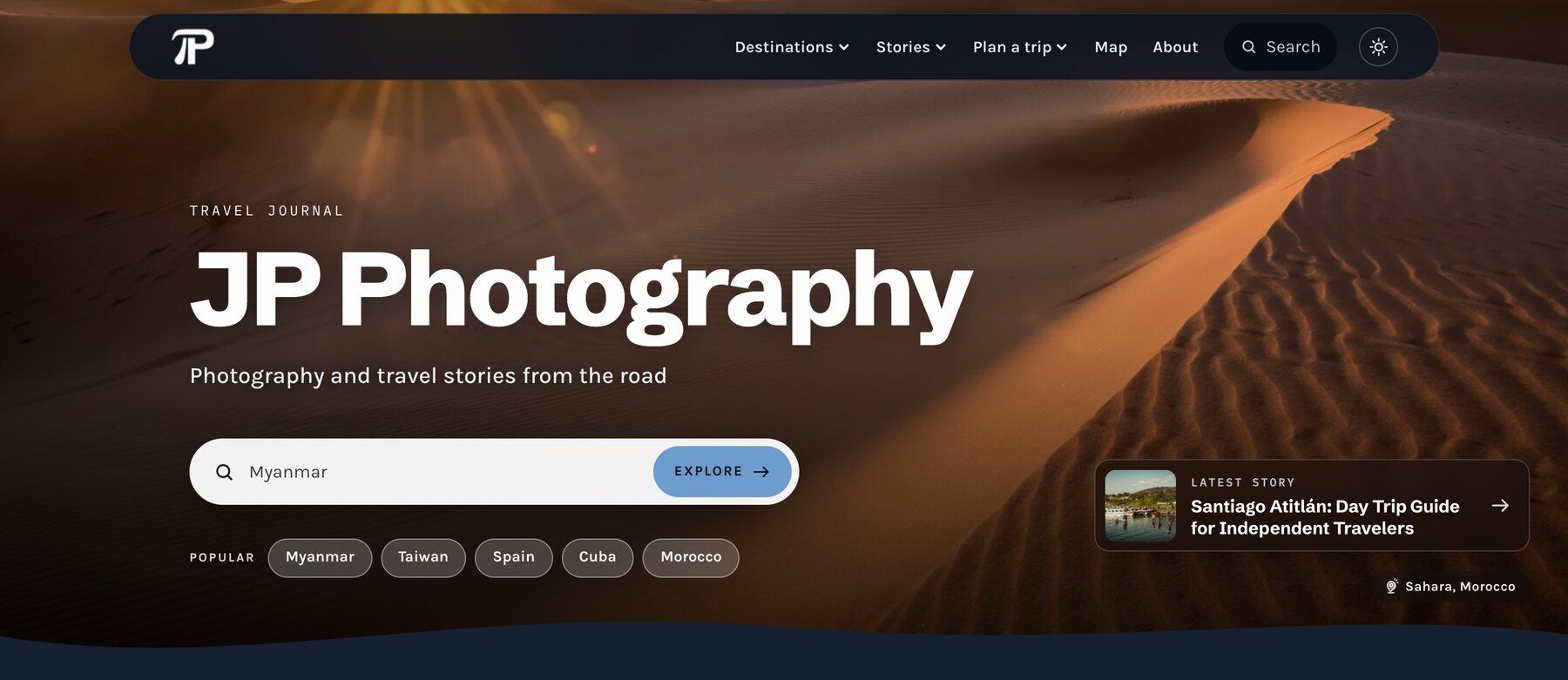
Want to see it on a real blog? My own travel blog, blog.julianpetersphotography.de, is already on Hosting 2.0, and everything you see there I set up in the new Site Builder.
Just ask the AI chat
You told us that the old blog settings were sometimes hard to find your way around. The biggest new thing is the AI chat in the Site Builder. Tell it what you want in your own words, like "try different fonts", "add a few facts from my blog posts to each country page" or "remove the world map from the homepage". It makes the change and you see it in the preview right away. Don't like it? One click on Undo and it's gone.
The chat can do everything the regular settings can do: your design, pages, menu, sidebar and About page. You don't need to know where a setting is or how it works, you just describe what you'd like. When you're happy, the chat gives you a button to review and publish.
Customizing your blog has never been this easy. The chat uses your AI credits that are included in your hosting plan. You can still change everything by hand in the Site Builder too.
A page for every destination, your way
Every country and place you write about gets its own page on your blog. Now you can turn each one into a real travel guide: your own cover photo and intro, the best places to visit, answers to common questions, in the order you like.
Set them up yourself in the Site Builder, or just tell the chat what you want on them. Have a look at my Morocco page to see what one can look like.
Templates that look like you
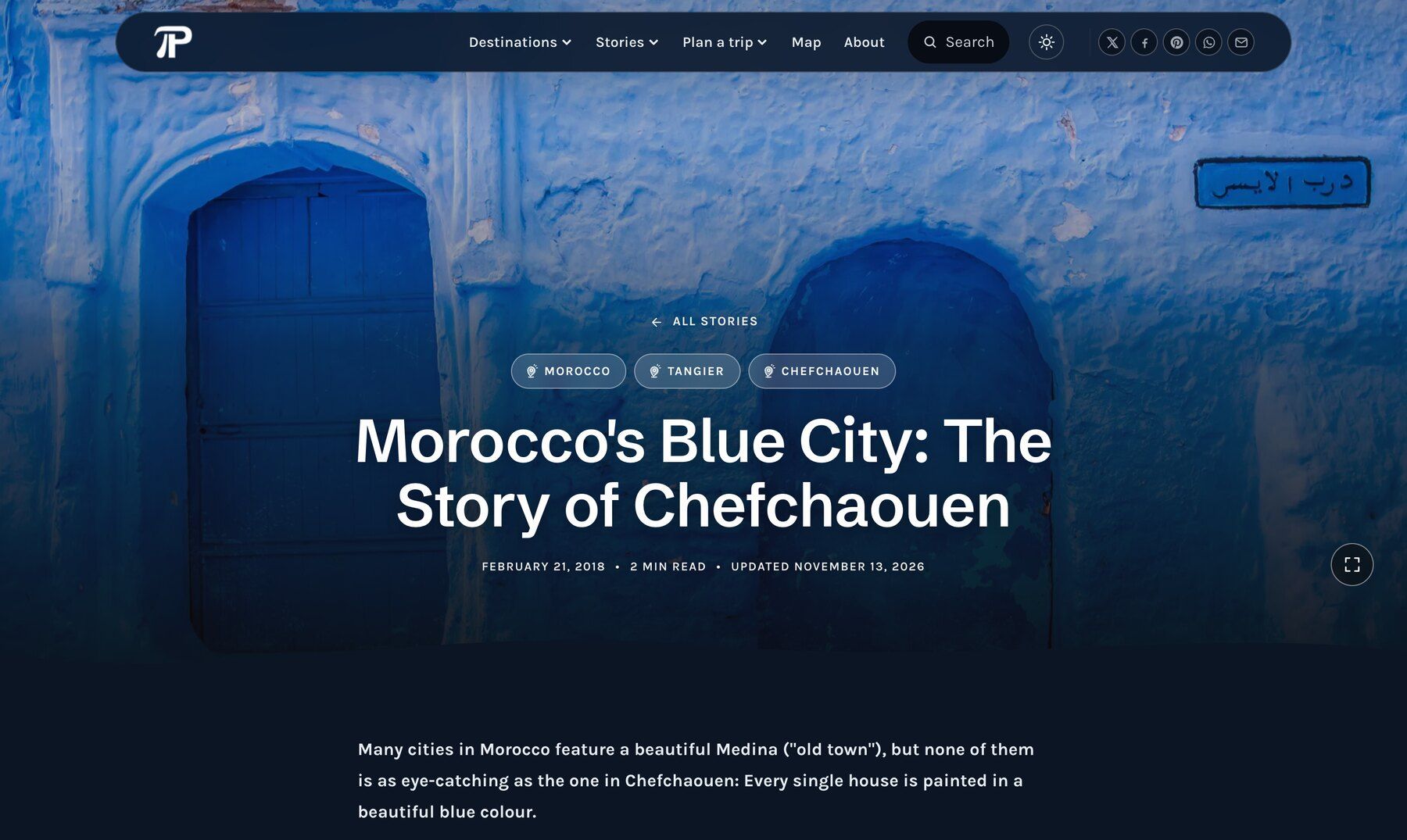
There are new templates to choose from, and each one is just a starting point. You can change the header and footer layout, the top of your home page, the fonts, colors, corners, spacing and dark mode. So no two blogs have to look the same, and nobody needs to guess which template you started from.
To get you going, the Site Builder suggests three looks for your blog based on your own photos and the places you write about. Pick one, change whatever you like, and make it really yours.
Live in seconds
It's also a lot quicker. When you publish a post or a design change, it's on your blog within seconds instead of minutes.
Your blog only changes when you switch
Your blog stays as it is until you switch. Here's how:
- Open Hosting in your dashboard.
- In the Hosting 2.0 box, click Open preview.
- Look around and change whatever you like in the Site Builder. Save your changes with "publish". Before you switch, this button doesn't change your live blog.
- When you're happy, go back to Hosting, click Switch my blog and then Yes, switch my blog.
That's it. Your posts, comments, links and domain come with you, and your plan and price stay the same. More details are in our help article How the switch works.
We rebuilt the blogs from scratch for modern web standards and the AI chat, so a blog on 2.0 can't keep the exact look it had on the old hosting. We're sure you will love the new look. If you don't, you can stay on classic hosting for now.
New here, or coming back?
New blogs start on 2.0 from today. And if your free trial or your plan ended a while ago, you're invited to try again, free for 14 days. Hosting 2.0 is so much better and more beautiful, and your blog gets a fresh start with a new design. Your own posts are still there. Just open Hosting in your dashboard.
If something looks off, let us know. And which template did you go for, and what did you change?
Leave a comment below!