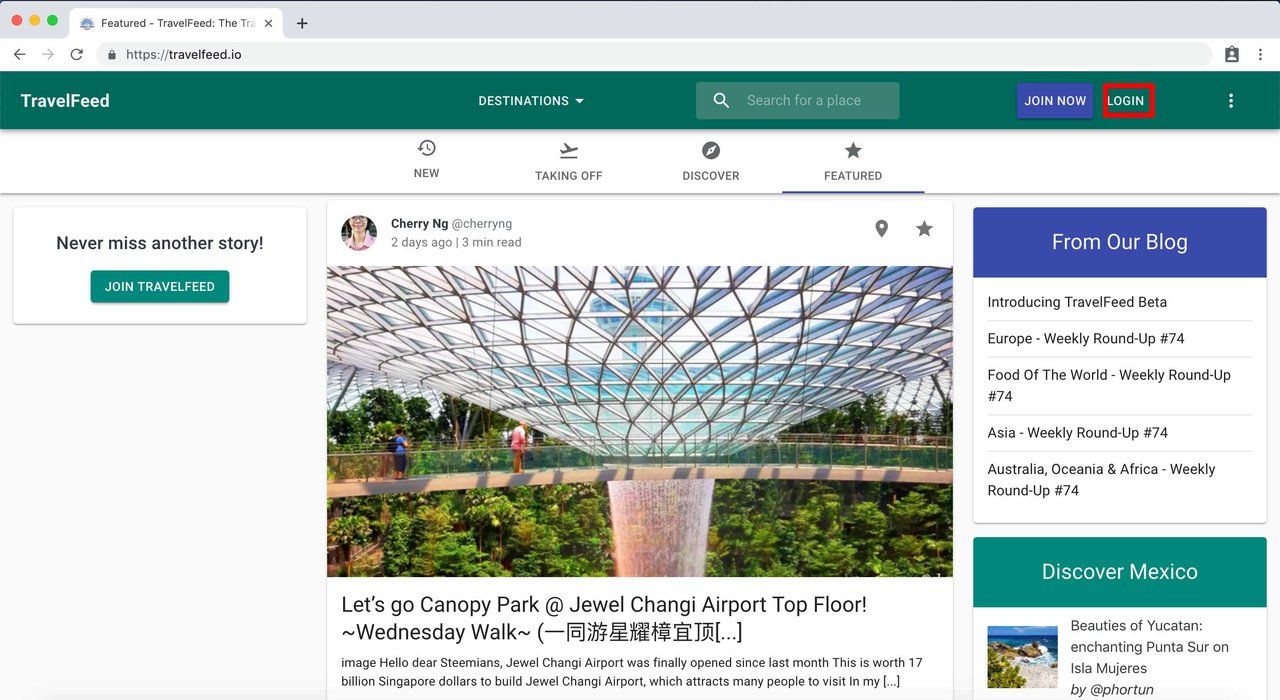

Go to travelfeed.io and click "Login"
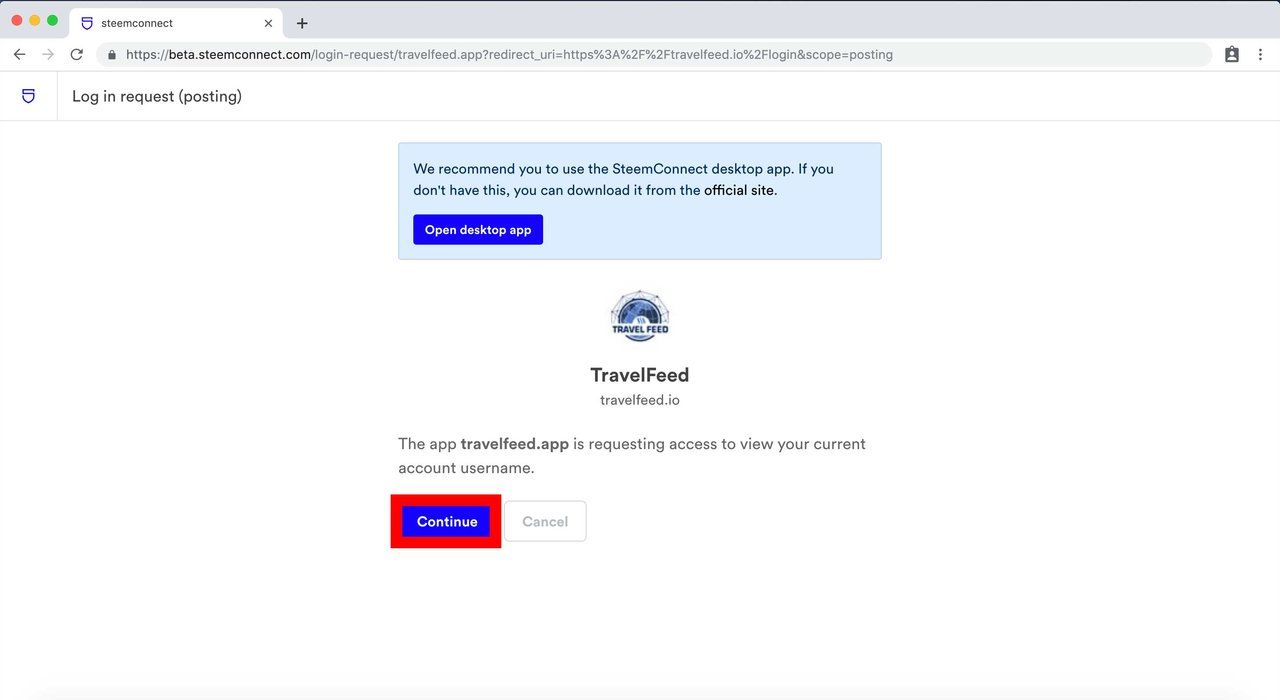
Click "continue"
Enter your Steem username and your private active key (preferable) or your password and click "Get started".

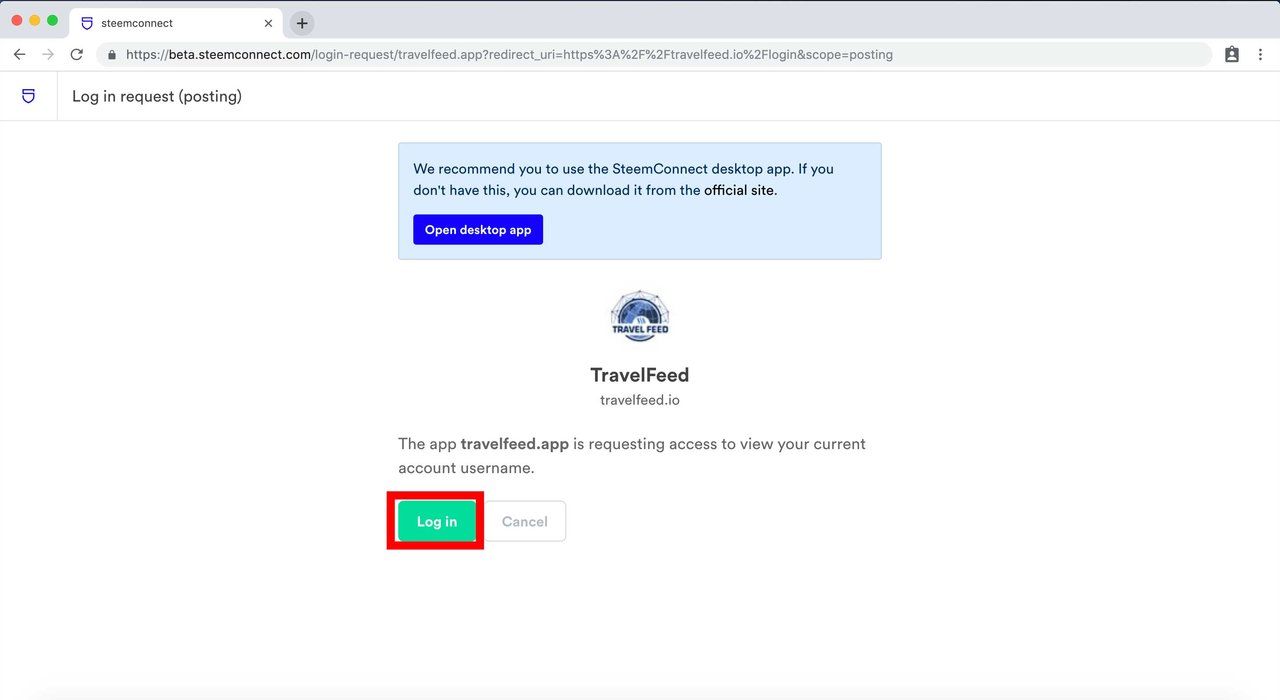
Click "Log in"
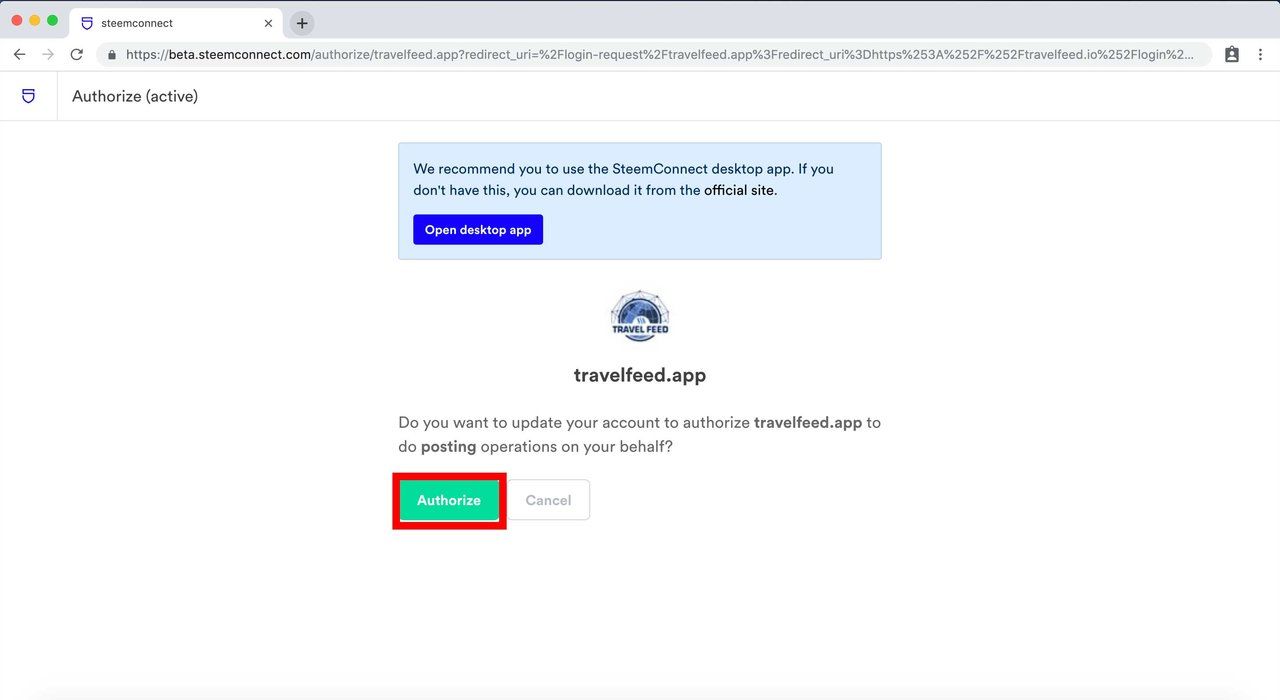
Click "Authorize"
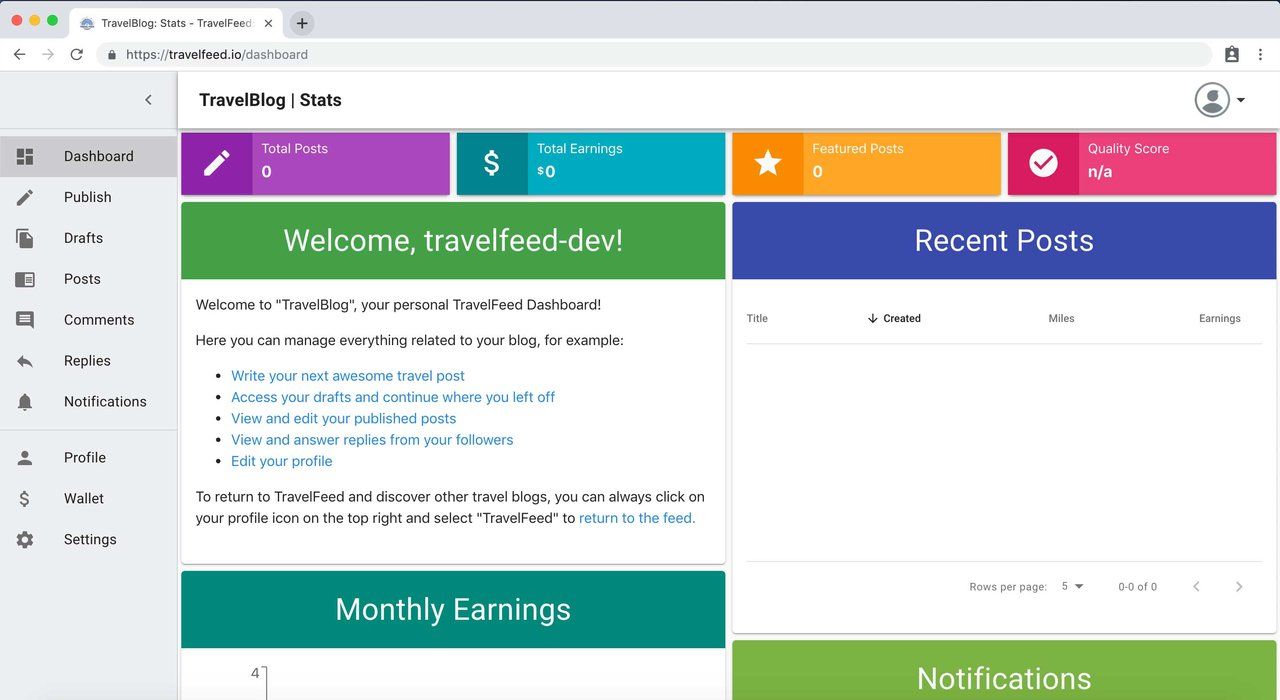
You are now logged into TravelFeed. To use TravelFeed, you need to accept the terms of service, then you will see your TravelFeed Dashboard

Comments