

Press /, pick Photo gallery, and select as many photos as you like in one
go. They upload one after another with a counter in the bottom bar, so you can
see how far along it is.
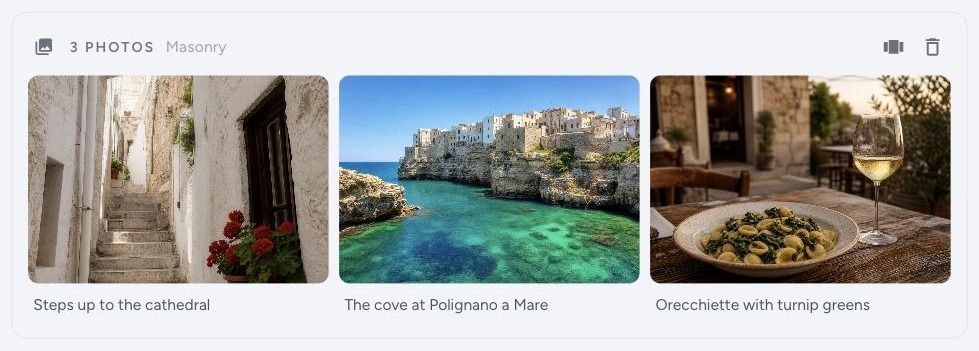
Two layouts
The header of the block tells you which one you are on — Masonry or Carousel — next to the photo count. The button on the right switches to the other one.
Masonry lays the photos out as a wall, each keeping its own shape. Tall portraits stay tall, panoramas stay wide. Good for a set where the shapes vary and you want them all visible at once.
Carousel shows one photo at a time and the reader swipes through. Good for a long set you do not want taking over the page, or for a sequence that is meant to be seen in order.
You can change your mind after publishing. It is a property of the block, so it
undoes with ⌘Z like anything else.
Reordering and captions
Hover any photo in the gallery:
- The arrows move it earlier or later.
- The bin removes it from the gallery.
- The line underneath takes a caption for that one photo.
The 50-photo limit
A gallery holds up to 50 photos. If you need more, use two galleries — it also reads better, because fifty photos in a row is a lot to ask of anyone.
If you are editing an older post whose gallery is already over the limit, nothing is thrown away. It keeps every photo it was published with; you just cannot add more.
Which one should you use?
If in doubt, masonry. It shows the reader what they are getting at a glance, and a reader who can see there are twelve photos will look at twelve photos. A carousel asks them to keep swiping to find out.